Works with course landing pages, instructor profiles, curriculum summaries, and enrollment offers.
Avocad for Education
Education ad creative that fills seats by clarifying outcomes
Turn course pages, instructor credentials, and enrollment offers into ad variants organized by program, audience, and campaign type.
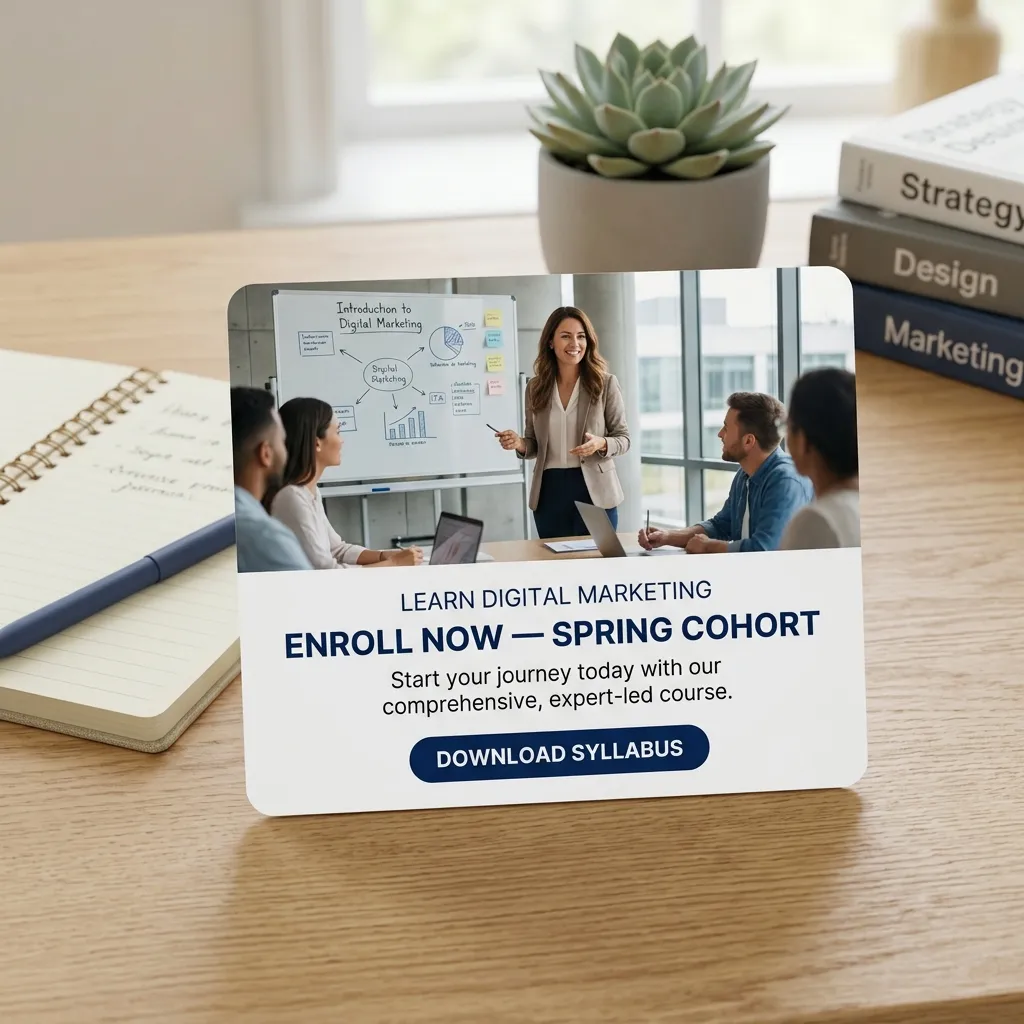
Supports creative for enrollment campaigns, webinar promotion, and program comparison ads.
Enrollment claims, accreditation details, and outcome statistics should be verified before publishing.
The campaign bottleneck
Why Education creative gets stuck
EdTech companies, coaching businesses, and institutions market multiple programs to different segments. Enrollment windows create time pressure, and each program needs distinct creative.
The Avocad workflow
How Avocad helps
Avocad turns course pages, instructor profiles, and enrollment offers into ad variants organized by program, audience, and campaign type.
Use cases
Useful Education campaign angles
Enrollment campaigns
Create program-specific ads with clear outcomes, start dates, and registration CTAs.
Webinar promotion
Generate event-specific creative with speaker details, topic preview, and registration urgency.
Program comparison
Build ads that help prospective students compare programs, tiers, or learning formats.
Creative sprint
An education enrollment creative workflow
Prompt starter
Create an education ad for [program] targeting [student persona]. Highlight [outcome], include [enrollment offer], and make the CTA [register/enroll/download syllabus].
Brief the program
Define the course, target student, key outcomes, instructor credentials, and enrollment timeline.
Generate persona-specific variants
Create separate creative for different student segments and campaign stages.
Review compliance
Verify accreditation claims, outcome data, pricing accuracy, and enrollment dates before publishing.
Pre-launch checklist
- Verify enrollment dates, pricing, and accreditation claims before launch.
- Use real instructor photos and credentials where possible.
- Keep outcome claims honest and backed by verifiable data.
- Create variants for different student segments and funnel stages.
Metrics to review after launch
- Enrollment conversion rate by program
- Cost per enrolled student
- Webinar registration rate
- Lead quality by creative angle
Operator guide
Education enrollment creative playbook
You should leave with a system for creating enrollment-focused ad creative that respects compliance while driving registrations.
Education ads sell outcomes. This playbook helps teams present those outcomes honestly and effectively.
Step 1
Lead with the outcome
Students care about what they will be able to do after the program. Lead with that.
Deliverable
Outcome-focused ad creative with specific, verifiable benefit claims.
Watch out for
Using vague outcome promises like "transform your career" without specifics.
Step 2
Segment by student persona
Career changers, skill upgraders, and degree seekers respond to different messaging.
Deliverable
Persona-specific creative sets with tailored language and proof points.
Watch out for
One generic enrollment ad for all student types.
Step 3
Add urgency with real dates
Enrollment deadlines create natural urgency. Use them honestly.
Deliverable
Date-specific enrollment ads that pause automatically when deadlines pass.
Watch out for
Fake urgency or evergreen "limited spots" language.
Education ad creative mistakes
Unverifiable outcome claims
Claiming "guaranteed job placement" without data risks regulatory action and student distrust.
Better move: Cite specific, verifiable statistics. If you do not have them, focus on curriculum and instructor quality instead.
Ignoring accreditation status
Students making enrollment decisions need to know accreditation status. Omitting it erodes trust.
Better move: Include accreditation details where applicable. If unaccredited, be transparent about it.
Running enrollment ads past the deadline
Frustrated prospective students who click and find a closed enrollment window.
Better move: Schedule ad end dates to match enrollment windows. Automate pausing where possible.
Questions about Avocad for Education
Can Avocad create ads for online courses?
Yes. Provide your course page URL, instructor details, and enrollment offer, and Avocad generates course-specific creative.
Does Avocad work for webinar promotion?
Yes. Include webinar topic, speaker, date, and target audience for event-specific creative variants.
Can I create ads for different student personas?
Yes. Generate separate creative sets targeting career changers, skill upgraders, and degree seekers.
What about accreditation and outcome claims?
Avocad generates creative from your inputs, but accreditation claims and outcome statistics must be verified by your team before publishing.
How should I handle enrollment deadline urgency?
Include specific dates in your brief. Avocad can create time-sensitive creative, but update or pause ads when deadlines pass.
Related resources
Create education ad variants from your program brief
Start with course details and enrollment offers to build review-ready creative.
Create education ads