Works with B2B landing pages, report offers, product screenshots, and webinar briefs.
Platform workflow
LinkedIn ad creative for B2B offers that need clarity fast
Create professional, message-led variants for demos, webinars, reports, and SaaS campaigns without burying the buyer problem.
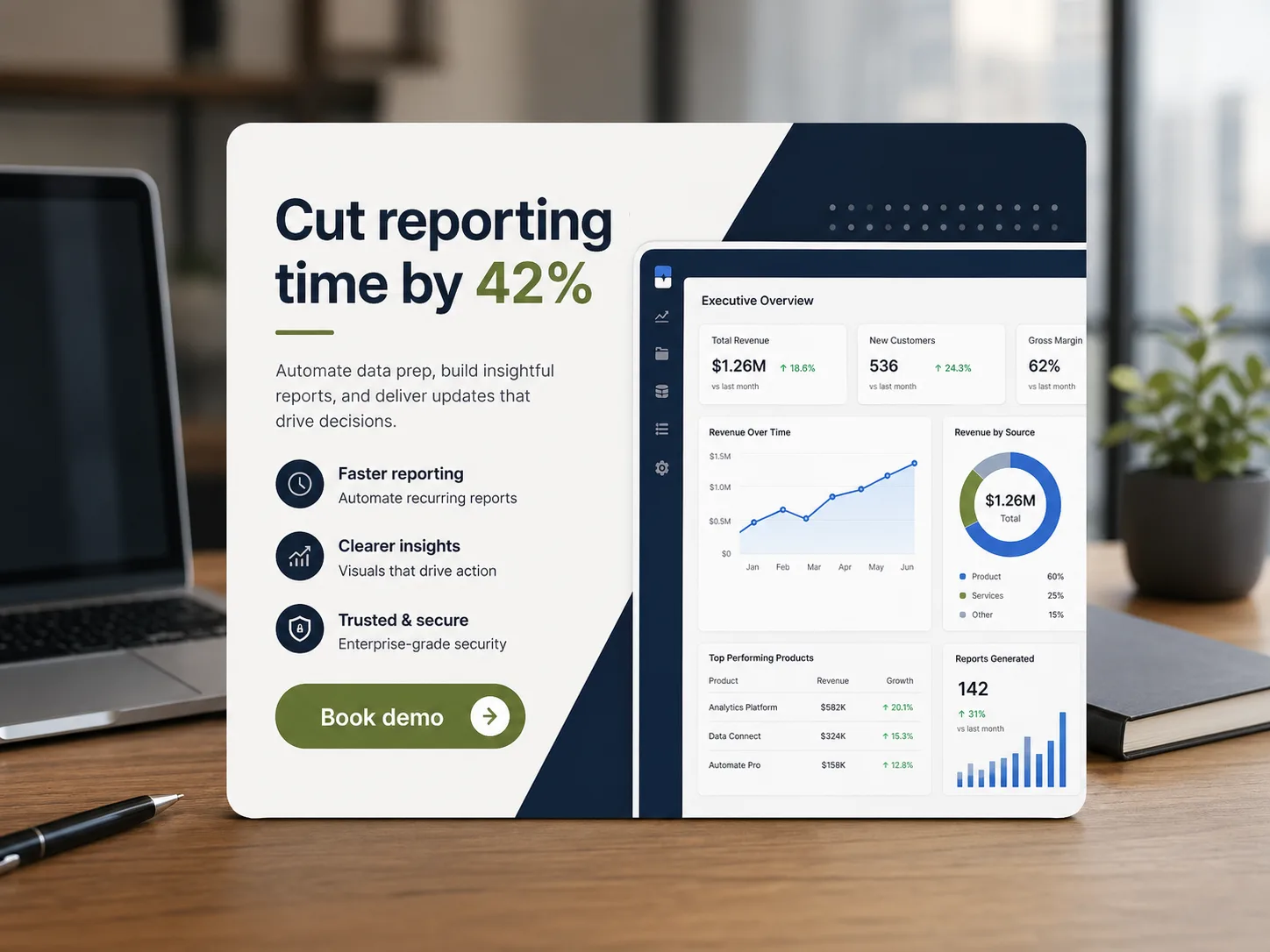
Useful for building multiple message variants before paid testing.
Avoids unverified lead-quality or pipeline claims unless backed by campaign data.
LinkedIn ads often ask busy buyers to understand a dense offer quickly. Avocad helps convert product context, webinar topics, or reports into simple visual variants with one idea and one CTA.
Creative guidance
LinkedIn ad best practices
- OKLead with a buyer problem or outcome, not a vague product category.
- OKUse restrained layouts that make the headline and CTA readable on desktop and mobile.
- OKCreate separate variants for demo, webinar, report, and feature angles.
- OKAvoid unsupported superlatives and performance promises.
Output planning
Formats to prepare
Single image creativereview
Square feed creativereview
Document or report promo visualreview
Webinar promo visualreview
Prompt starter
A brief Avocad can actually use
Create a LinkedIn ad for [B2B persona] promoting [demo/report/webinar]. Focus on [pain point], use a professional tone, and make the CTA clear.
LinkedIn creative workflow
Choose the offer
Start with one conversion action: demo, report, webinar, checklist, or product page.
Generate focused variants
Create one concept per pain point or proof angle instead of a crowded all-purpose creative.
Review for professional clarity
Check tone, readability, proof language, and CTA before launching.
QA gate
Review every generated LinkedIn ad before launch
Operator guide
LinkedIn B2B creative playbook
You should leave with a practical method for producing LinkedIn ads that communicate buyer pain and offer value quickly while keeping enterprise tone intact.
LinkedIn ads succeed when they respect limited attention and avoid jargon-heavy visuals. Clarity and relevance beat complexity almost every time.
Step 1
Anchor every ad to one business problem
Tie each creative to one operational bottleneck, such as reporting lag, revenue leakage, or pipeline hygiene. Keep the promise concrete.
Deliverable
Problem-specific concept set
Watch out for
Generic "transform your business" messaging.
Step 2
Match proof to funnel stage
Cold audiences need a clear problem statement; warm audiences need proof and differentiation. Do not force one visual script on both.
Deliverable
Stage-specific proof variants
Watch out for
Using demo-first messaging for top-funnel traffic.
Step 3
Align creative with sales follow-up
Hand off approved ad angles to SDR or AE teams so outbound and inbound messaging stay consistent after lead capture.
Deliverable
Campaign-to-sales message sheet
Watch out for
Ad promise and sales narrative mismatch.
LinkedIn quality failures
Crowded feature matrices in the creative
Decision makers skip visuals that require too much parsing.
Better move: Lead with one pain, one proof, one next step.
Inconsistent tone between variants
Brand credibility drops across repeated impressions.
Better move: Use a consistent professional voice and visual system.
Treating report and demo offers the same
Offer mismatch lowers conversion quality.
Better move: Build separate value framing for each offer type.
Questions about LinkedIn ad generation
Is Avocad useful for LinkedIn lead campaigns?
Yes. It can help create lead magnet, webinar, demo, and product-message creative variants for review.
Should LinkedIn ads include lots of feature bullets?
Usually no. One buyer problem and one CTA are easier to understand in a feed environment.
Can I create LinkedIn document-style promo visuals?
Yes. Avocad can generate single-image promos for reports, whitepapers, and webinars with clear download or register CTAs.
What LinkedIn ad format works best for SaaS?
Single-image ads with one buyer pain and one CTA consistently outperform cluttered multi-feature layouts.
Does Avocad support LinkedIn conversation ad concepts?
Avocad generates static visual concepts. Use these as hero images for sponsored content, then adapt messaging for conversation ads separately.
Related resources
Create B2B ad variants for LinkedIn
Move from campaign brief to professional creative options faster.
Generate LinkedIn ads