Useful for lifestyle, product, creator-style, and promotional visual directions.
Platform workflow
Instagram ad creative that feels visual before it feels like copy
Turn product context and brand direction into polished Instagram creative variants for feed, story, and short-form placements.
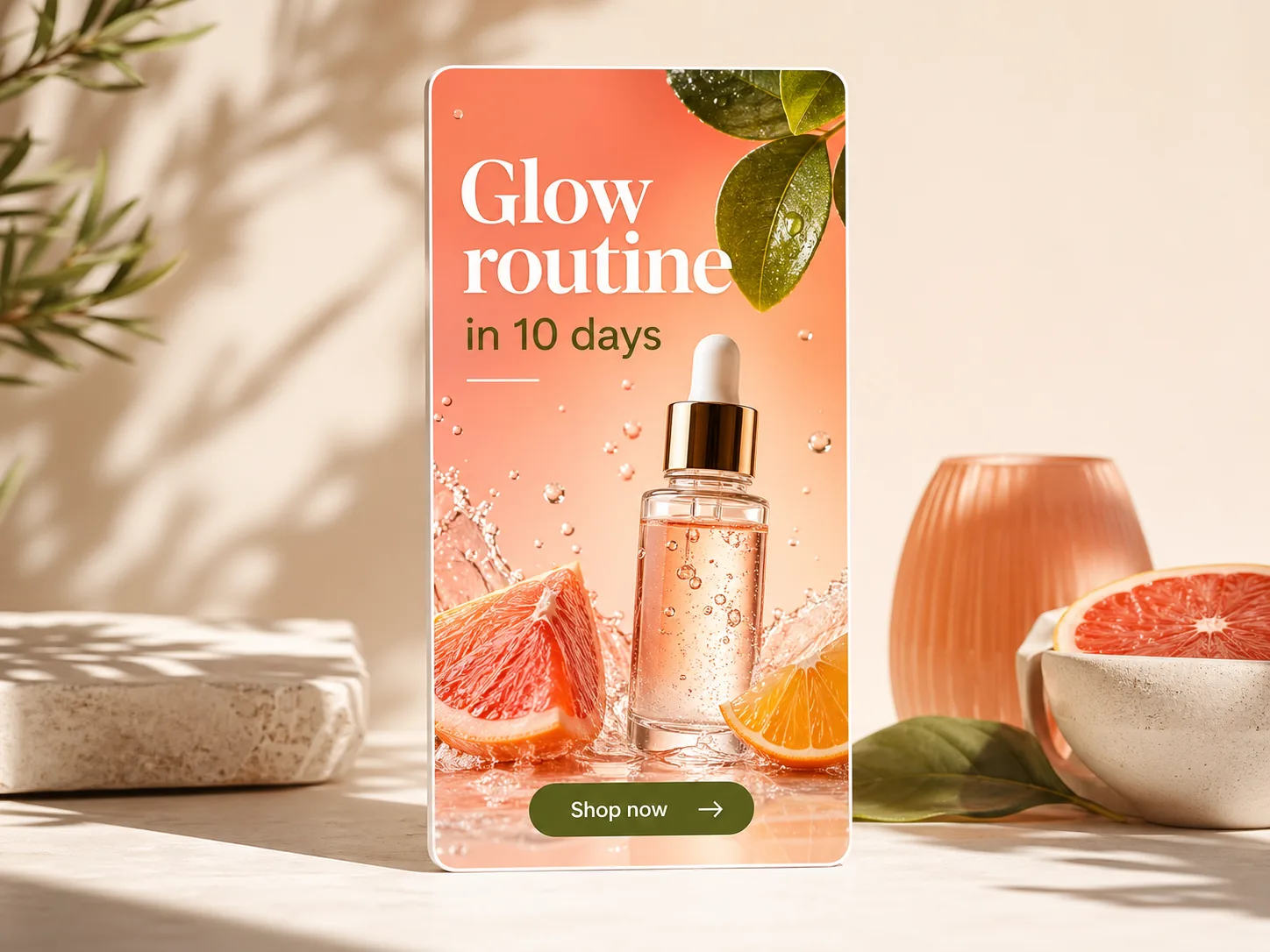
Supports vertical and square variants for mobile-first review.
Advertisers should verify platform dimensions and safe zones before final upload.
Instagram creative has to earn attention visually first. Avocad helps teams create scroll-aware variants that emphasize product, lifestyle context, offer, or social proof without overloading the image with copy.
Creative guidance
Instagram ad best practices
- OKDesign vertical variants early instead of cropping them as an afterthought.
- OKUse product-in-context visuals when the category benefits from lifestyle framing.
- OKKeep important copy away from edges and UI-covered areas.
- OKMake the first visual idea understandable without relying on a long caption.
Output planning
Formats to prepare
1:1 feed creativereview
4:5 portrait feed creativereview
9:16 story/reel creativereview
Prompt starter
A brief Avocad can actually use
Create an Instagram ad for [product] with a [lifestyle/product/proof] angle. Use [visual mood], keep copy short, and leave safe space for UI.
Instagram creative workflow
Choose the visual mode
Decide whether the ad should feel product-led, lifestyle-led, creator-led, or offer-led.
Generate mobile variants
Create square and vertical options early so composition does not break during cropping.
Review visual clarity
Check whether the product, headline, and CTA remain understandable at mobile size.
QA gate
Review every generated Instagram ad before launch
Operator guide
Instagram visual concept system
You should be able to produce Instagram-first visual concepts that keep the product story clear in feed, story, and reel contexts without relying on long captions.
Instagram rewards visual clarity. The first frame should communicate product category, mood, and value before the user reads anything else.
Step 1
Set a visual mode per campaign
Decide whether the concept is product-closeup, lifestyle-in-use, creator-demo, or offer-card. Mixing modes in one ad reduces clarity.
Deliverable
Campaign visual-mode brief
Watch out for
Unclear visual intent across variants.
Step 2
Build motion-aware static layouts
Even static images compete with motion content. Use directional composition and focal depth so the frame feels alive without visual clutter.
Deliverable
Scroll-aware static variants
Watch out for
Flat compositions that blend into the feed.
Step 3
Reserve safe zones deliberately
Keep headline and CTA away from edges and UI-heavy areas. Design safe-zone spacing into the original composition instead of fixing later.
Deliverable
Safe-zone approved crops
Watch out for
Placing critical copy near story controls.
Instagram creative pitfalls
Reusing Facebook-first visuals directly
Composition feels static and less native on Instagram.
Better move: Create Instagram-native variants with vertical priority.
Overwriting the visual with copy
Users skip before understanding the product.
Better move: Let the image carry the idea; copy supports it.
Ignoring color and texture consistency
Brand memory weakens across repeated exposures.
Better move: Keep palette and visual rhythm consistent across variants.
Questions about Instagram ad generation
Can Avocad make vertical Instagram ads?
Yes. Use portrait or story outputs when the creative needs to work in vertical placements.
Can I create lifestyle-style product ads?
Yes. Provide product imagery, brand context, and a clear visual direction for better outputs.
What Instagram placements does Avocad cover?
Avocad generates concepts suited for feed (1:1 and 4:5) and story/reel (9:16) placements.
Should I design for Instagram separately from Facebook?
Yes. Instagram favors visual-first composition. Creating platform-native variants performs better than auto-cropping Facebook creative.
Can Avocad generate Reels ad concepts?
Avocad produces static visual concepts in 9:16 format. For video Reels, use the static concept as a storyboard starting point.
Related resources
Create Instagram-ready visual variants
Start with a product, offer, or mood and generate review-ready ad concepts.
Generate Instagram ads