Works well with landing pages, product screenshots, feature summaries, and buyer pain points.
Avocad for SaaS
SaaS ad creative that makes the product promise easier to understand
Create crisp variants for demos, feature launches, webinars, and comparison campaigns while keeping the message focused on one buyer problem.
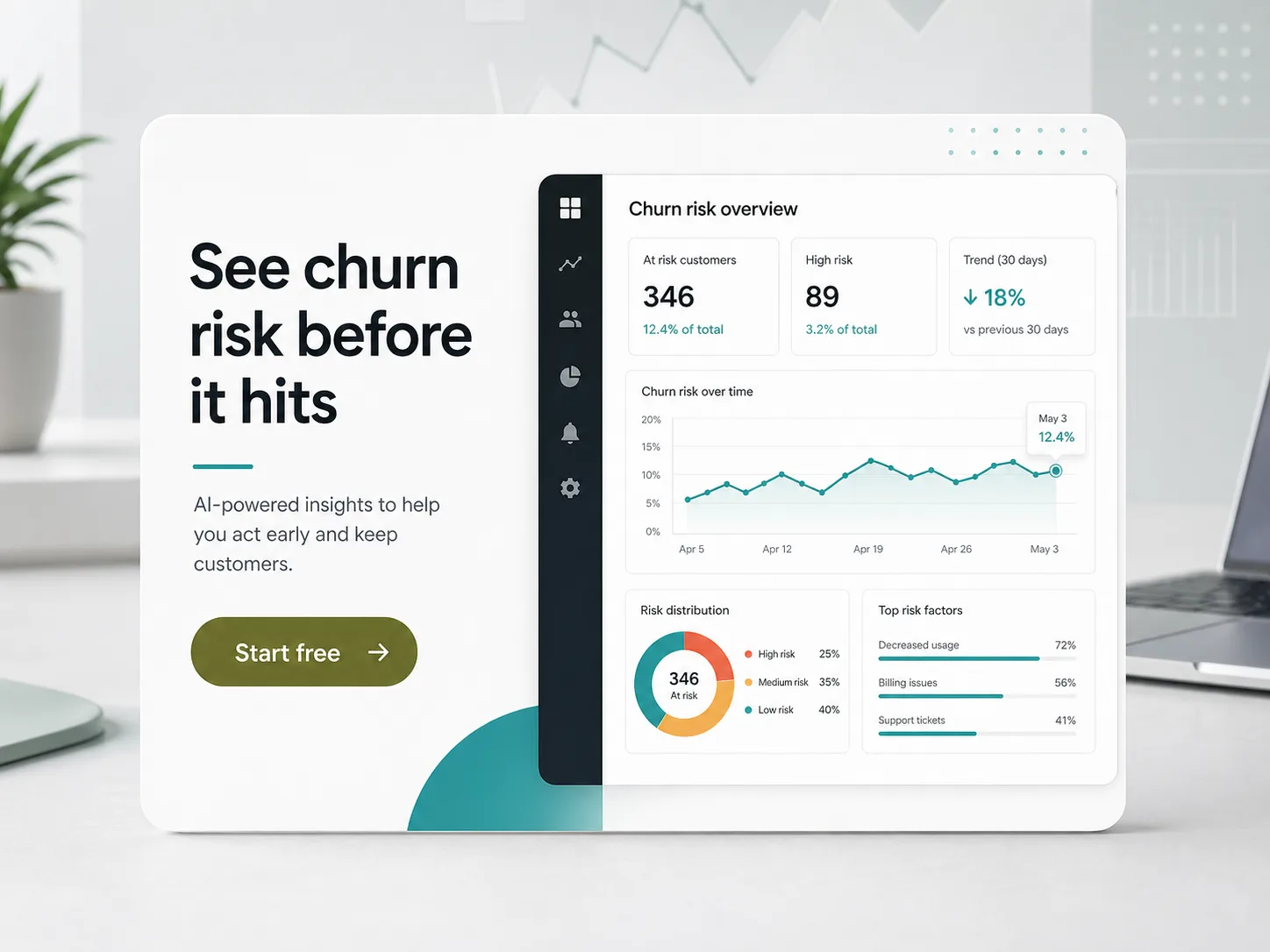
Supports benefit-led and proof-led visual variants for different funnel stages.
Avoids claiming guaranteed pipeline or CPL improvements without advertiser data.
The campaign bottleneck
Why SaaS creative gets stuck
SaaS ads can become vague quickly: abstract illustrations, too many feature bullets, and no clear reason for a buyer to care right now.
The Avocad workflow
How Avocad helps
Avocad helps teams convert product context into focused creative variants built around a buyer problem, feature benefit, or conversion offer.
Use cases
Useful SaaS campaign angles
Demo request ads
Turn one buyer pain into a visual CTA that makes the next step obvious.
Feature launch ads
Explain what changed, who it helps, and why it matters without overcrowding the layout.
Webinar and report ads
Create clean lead magnet creative with headline, proof point, and date or offer details.
Creative sprint
A focused SaaS ad sprint
Prompt starter
Create a SaaS ad for [buyer persona] struggling with [problem]. Promote [feature or offer], use a concise headline, and make the CTA [demo/webinar/download].
Pick one buyer problem
Choose a narrow audience and pain point instead of generating broad "all-in-one" ads.
Generate message variants
Create demo, proof, feature, and report angles from the same source material.
Review for clarity
Check whether a buyer can understand the promise and CTA in a few seconds.
Pre-launch checklist
- Use one persona and one pain point per creative.
- Keep screenshots legible on mobile.
- Avoid vague claims such as "10x growth" unless documented.
- Create LinkedIn and square variants from the same message.
Metrics to review after launch
- Lead quality by creative angle
- Demo conversion rate
- Landing page conversion rate
- Cost per qualified lead
Operator guide
SaaS message-to-creative production system
You should be able to produce SaaS ad variants that explain one problem, one promise, and one next step instead of generic feature-heavy ads.
Most SaaS creative underperforms because the message is broad. Better performance usually starts with tighter positioning inside the visual itself.
Step 1
Define one buyer state per ad
Write the brief as a before/after state for a single role. Product marketers, RevOps managers, and founders usually need different visual proof.
Deliverable
Role-specific promise statements
Watch out for
One creative trying to serve every persona.
Step 2
Convert feature claims into job outcomes
Replace capability language with operational outcomes, such as hours saved, errors prevented, or workflow speed improvements validated by your own data.
Deliverable
Outcome-led headline options
Watch out for
Listing feature names without business context.
Step 3
Route each angle to a matching offer
Demo, webinar, and report campaigns need different visual structure and CTA friction. Keep the creative and landing promise tightly aligned.
Deliverable
Angle-to-offer mapping matrix
Watch out for
Using the same CTA destination for every angle.
SaaS ad quality traps
Abstract visuals with no product cue
Buyers cannot connect promise to product reality.
Better move: Show a meaningful screenshot fragment or workflow cue.
Overclaiming speed or ROI
Trust drops and policy risk increases.
Better move: Use measured language unless you have auditable data.
No distinction between cold and warm messaging
Top-funnel users bounce while warm users need proof.
Better move: Design separate creative tracks by funnel stage.
Questions about Avocad for SaaS
Is Avocad useful for B2B SaaS?
Yes. It is useful when you already know the audience, offer, and product context you want each creative to communicate.
Can Avocad create LinkedIn ad visuals?
Yes. Use the LinkedIn page for platform-specific guidance and recommended creative checks.
Can I use product screenshots in the ad creative?
Yes. Upload a screenshot or provide your product URL, and Avocad can incorporate product visuals into the ad layout.
Does Avocad work for webinar promotion ads?
Yes. Provide webinar topic, speaker, date, and target audience, and generate promotion variants with clear registration CTAs.
How should I handle different funnel stages?
Create separate creative sets for cold (problem awareness), warm (feature proof), and hot (demo/trial offer) audiences. Test each independently.
Related resources
Create cleaner SaaS ad variants for your next campaign
Start with a product page, feature brief, or offer and build campaign-ready creative directions.
Create SaaS ads