Works with lookbook photography, product shots, and collection themes as creative inputs.
Avocad for Fashion
Fashion ad creative that keeps pace with your collection calendar
Turn lookbook images, product photography, and collection themes into ad variants that can be reviewed and adapted for each drop.
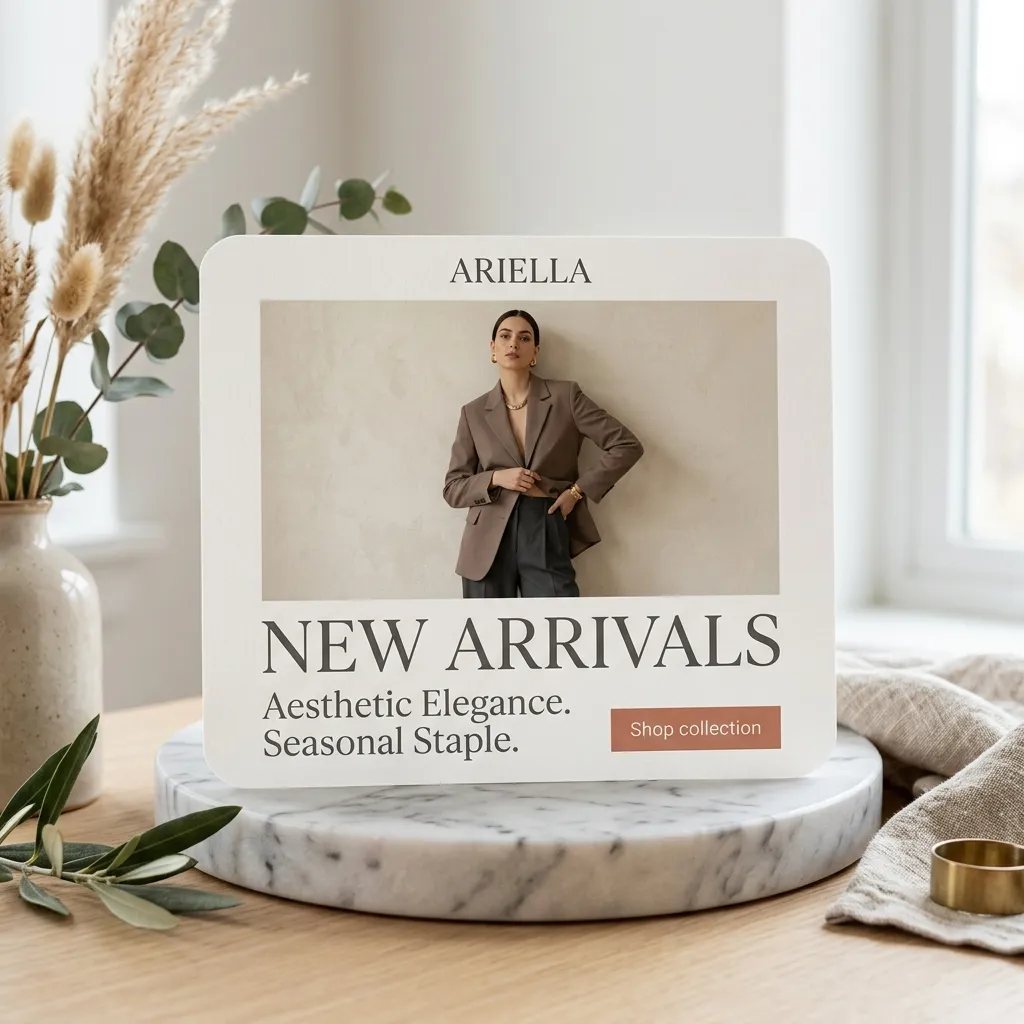
Supports seasonal, sale, and new-arrival creative workflows across social placements.
Visual styling and product claims should be reviewed for accuracy before each campaign launch.
The campaign bottleneck
Why Fashion creative gets stuck
Fashion brands rotate collections every season. Each launch needs new creative across product types, audience segments, and platforms. Most teams fall behind or recycle the same templates.
The Avocad workflow
How Avocad helps
Avocad converts lookbook images, product photography, and collection themes into ad variants that can be reviewed and adapted for each drop.
Use cases
Useful Fashion campaign angles
Collection launches
Build ad sets around new arrivals using product photos and collection narrative.
Sale events
Create urgency-driven creative for clearance, flash sales, and end-of-season promotions.
Style edits
Curate product groupings into shoppable ad layouts by occasion, season, or trend.
Creative sprint
A seasonal fashion creative workflow
Prompt starter
Create a fashion ad for [collection/product] targeting [audience]. Emphasize [visual mood], include [offer or CTA], and keep the layout [editorial/bold/minimal].
Brief the collection
Define the collection theme, hero products, target audience, and any sale or launch timing.
Generate per-category variants
Create separate creative for different product types, audience segments, and social placements.
Review visual consistency
Check that creative matches collection mood, product details are accurate, and brand tone is consistent.
Pre-launch checklist
- Use actual product photography, not placeholder images.
- Keep pricing and availability current before each campaign.
- Create Instagram-native vertical variants alongside square formats.
- Match visual tone to the collection mood and target audience.
Metrics to review after launch
- Product page click-through rate
- Add-to-cart rate by creative angle
- CPA by collection or product type
- Revenue per creative variant
Operator guide
Fashion collection creative playbook
You should leave with a repeatable workflow for turning collection drops and seasonal campaigns into distinct ad creative.
Fashion moves fast. This playbook helps teams keep ad creative in sync with collection calendars.
Step 1
Brief per collection
Each drop has a mood, hero products, and target customer. Brief each separately.
Deliverable
Collection-specific creative sets with consistent visual tone.
Watch out for
Using last season visual language for a new collection.
Step 2
Create per-product variants
Hero products need solo ads. Supporting pieces can be grouped by occasion or style.
Deliverable
Individual product ads for hero items plus grouped lifestyle ads.
Watch out for
Cramming too many products into one ad.
Step 3
Plan for sale velocity
End-of-season and flash sales need urgency-driven creative ready before the sale starts.
Deliverable
Pre-built sale creative templates that can be activated on short notice.
Watch out for
Designing sale ads the day the sale starts.
Fashion ad creative mistakes
Recycling last season imagery
Stale visuals undermine the freshness a fashion brand depends on.
Better move: Generate new creative per collection using current product photography.
Ignoring platform-native formats
Fashion is visual-first. Square Facebook crops on Instagram Stories waste screen space.
Better move: Create platform-specific ratios, especially vertical for Stories and Reels.
Generic brand ads instead of product-specific ones
Shoppers want to see specific products. Brand awareness ads belong in a different campaign.
Better move: Lead with the product. Use brand elements to support, not dominate.
Questions about Avocad for Fashion
Can Avocad handle seasonal fashion campaigns?
Yes. Provide collection imagery, seasonal themes, and sale details, and Avocad generates campaign-specific creative.
Does Avocad work with product photography?
Yes. Upload product shots or provide your product page URL as the creative input.
Can I create ads for multiple product categories?
Yes. Generate separate creative sets for different categories, collections, or audience segments.
What visual styles does Avocad support?
Avocad adapts to your brand context. Provide visual references or describe the mood to guide the output direction.
How fast can I produce fashion ad creative?
Most variant sets are generated within minutes. Review and iteration add time depending on your approval process.
Related resources
Create fashion ad variants from your collection brief
Start with lookbook imagery and campaign details to build review-ready creative.
Create fashion ads