Avocad Blog
Product Photography Tips for Better AI-Generated Ads
Improve AI-generated ad quality with better product photography inputs, from shot planning and lighting to backgrounds, file prep, and QA.

Written by
Zihaan Mohamed- Reading time
- 4 mins
- Published
- April 26, 2026
- Last verified
- April 26, 2026
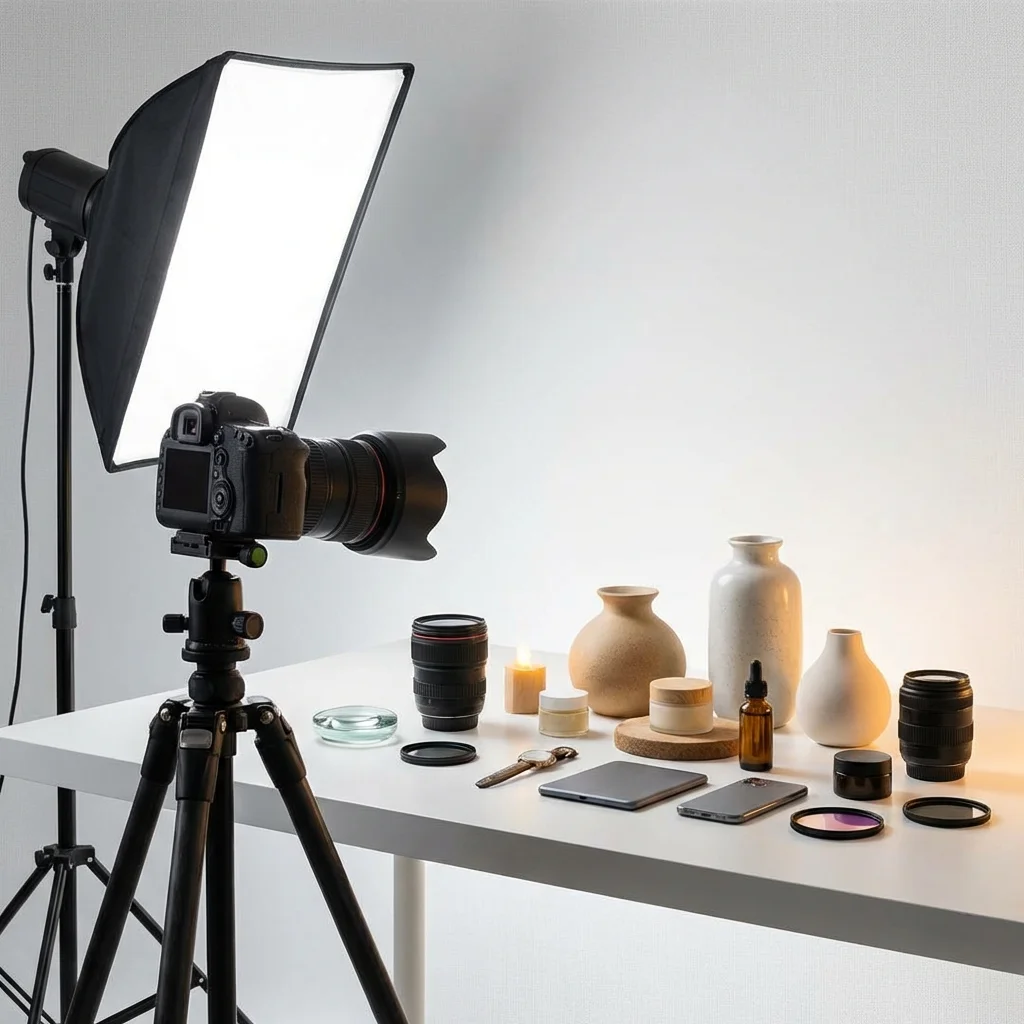
AI can generate many ad variants quickly, but it cannot fix weak source imagery.
If your product photos are low quality, cluttered, or inconsistent, generated ads will inherit those problems.
This guide covers a practical photography pipeline that gives AI tools better raw material and improves final ad performance.
Why Input Quality Matters More Than Prompt Complexity
Teams often spend hours refining prompts while feeding poor photos.
In most cases, better inputs drive larger quality gains than better wording.
Strong product inputs improve:
- edge detection and subject separation
- texture fidelity
- color consistency across variants
- believable shadows and depth
The 5-Shot Minimum Set Per Product
Capture at least these five shots for each SKU:
- Clean hero on neutral background
- 45-degree angle shot
- Close-up detail (material/texture)
- In-use lifestyle shot
- Scale context shot (hand/object/environment)
This gives AI enough visual context for both catalog-style and storytelling creatives.
Lighting Setup That Works for Small Teams
You do not need a complex studio.
Use:
- one soft key light
- one fill (reflector or secondary soft light)
- neutral backdrop
Goals:
- preserve natural texture
- avoid hard glare on packaging
- keep white balance consistent between sessions
Inconsistent lighting is one of the biggest causes of "off-brand" generated variants.
Composition Rules for Ad-Ready Photos
- Keep product dominant in frame
- Leave usable negative space for text overlays
- Avoid busy backgrounds unless lifestyle context is intentional
- Capture both horizontal and vertical orientations
A good raw photo should already look usable before any AI transformation.
Background and Staging Guidelines
For performance ads, prioritize realism over decorative styling.
Good practice:
- Neutral backgrounds for core catalog shots
- Real-world scenes with coherent lighting for lifestyle shots
- No heavy filters that alter true product color
Platform policies and quality systems often penalize distracting visuals or unclear product representation.
Resolution and File Prep Standards
Use practical minimums:
- Capture high-resolution originals
- Export clean versions for ad workflows
- Avoid over-compression before generation
For commerce use cases, platform guidance typically recommends strong image quality and discourages generic placeholders, overlays, and watermark-heavy visuals.
What to Remove Before Feeding AI
- Busy text overlays baked into image
- Watermarks and borders
- Cluttered background elements
- Inconsistent color grading across product set
AI models may treat these as intentional design signals and repeat them across outputs.
Color Accuracy Checklist
Before uploading brand photos:
- Compare product color to physical sample under neutral light
- Correct white balance and exposure first
- Keep one reference image as the "color truth" baseline
If color is unstable at input, every generated campaign will need extra manual correction.
Mobile-First Cropping Strategy
Capture with future crops in mind.
For each key shot, verify that it survives:
- 1:1 crop
- 4:5 crop
- 9:16 crop
If key details disappear in vertical crop, shoot a dedicated vertical composition.
Quality Scorecard for Product Inputs
Score each image from 1 to 5:
- Subject clarity
- Lighting consistency
- Color accuracy
- Composition flexibility
- Brand fit
Only use images scoring 20+ as AI generation inputs.
Common Failure Patterns
| Symptom | Likely input problem | Fix |
|---|---|---|
| Product edges look muddy | Low contrast or blur | Re-shoot with sharper focus and cleaner background |
| Colors shift between variants | Mixed white balance | Standardize lighting and color correction |
| Ads look fake or composited | Inconsistent shadows/perspective | Use physically coherent lifestyle scenes |
| Text overlays hide product | No negative space in source | Recompose with text-safe areas |
| AI output looks repetitive | Limited source variety | Add angle, detail, and context diversity |
Practical Workflow With Avocad
- Build a clean product image library
- Tag assets by shot type (hero, detail, lifestyle)
- Feed AI with campaign-specific subset
- Generate angle-based variants
- QA for product truth before launch
This prevents beautiful but inaccurate creatives from reaching production.
Related Guides
- Social Media Ad Sizes 2026: The Practical Platform Guide
- Brand DNA Explained: How AI Reads Visual Identity for Better Ads
- Writing Ad Copy That Converts: A Data-Driven Guide
AI can accelerate creative output, but strong product photography still sets the ceiling for quality.